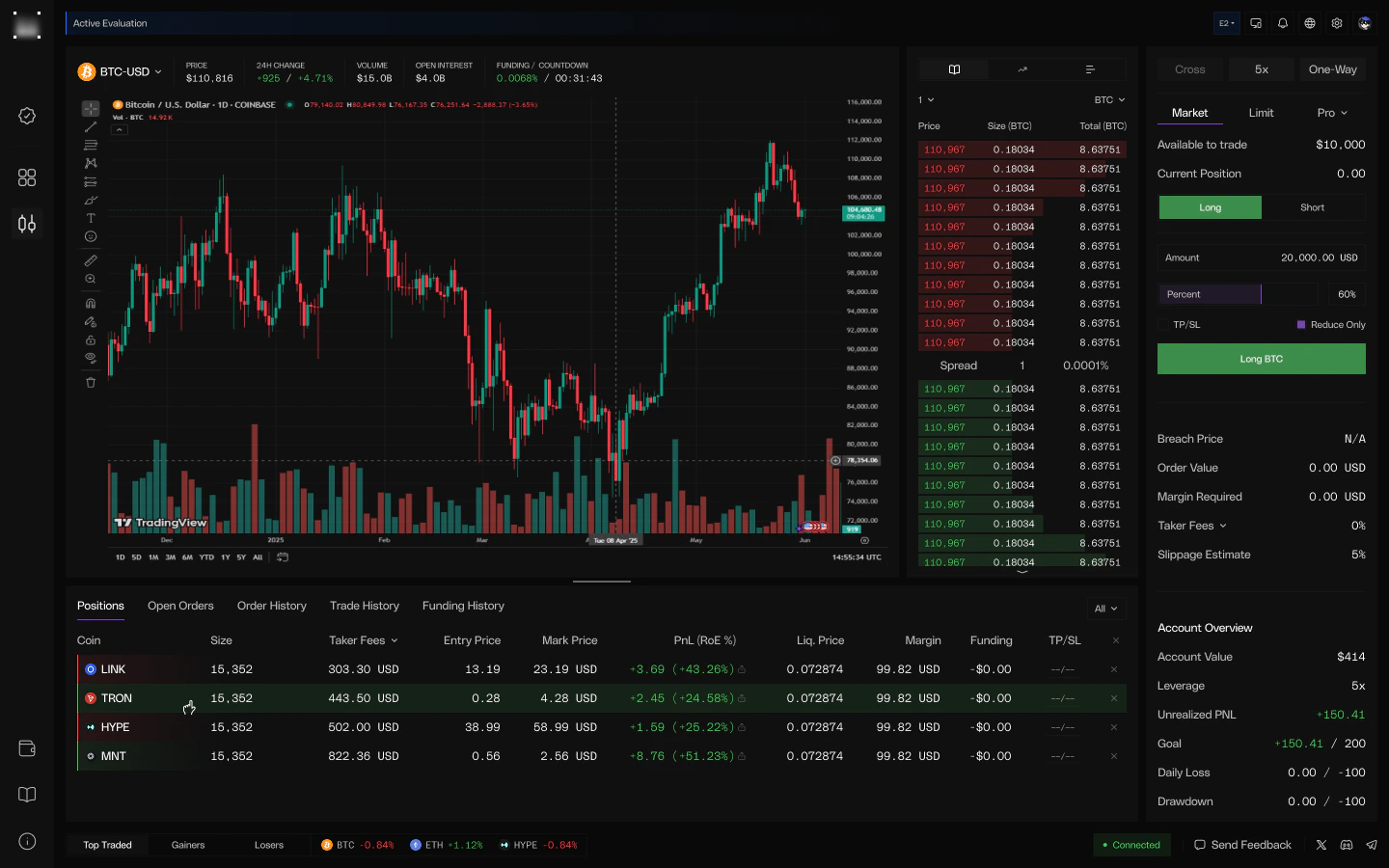
The Hypernova terminal is a full-featured trading environment where every order executes against real market conditions. Live order books, live funding, live mark prices — every fill is verifiable.Documentation Index
Fetch the complete documentation index at: https://hypernova.xyz/docs/llms.txt
Use this file to discover all available pages before exploring further.
Order Types
All trigger-based orders use the last traded price. The trigger fires only when the last price crosses your level — touching it is not enough.| Order Type | Trigger | Fill Method | Fee |
|---|---|---|---|
| Market | Immediate | VWAP against the live book | Taker |
| Limit | Resting at your price until last price crosses it | Limit price | Maker |
| Stop Market | Last price crosses your trigger | VWAP against the live book | Taker |
| Take Profit | Last price crosses your trigger | VWAP, full position close, cancels linked Stop Loss | Taker |
| Stop Loss | Last price crosses your trigger | VWAP, full position close, cancels linked Take Profit | Taker |
Leverage & Margin
Hypernova uses cross margin with per-symbol leverage caps. You set leverage per symbol; the platform applies the lower of your setting and the symbol’s cap.Per-Symbol Leverage
| Asset class | Typical max leverage | Notes |
|---|---|---|
| Crypto majors (BTC, ETH) | 5x | The deepest liquidity gets the highest cap |
| Selected crypto (HYPE, etc.) | 3x | Mid-cap names |
| Most other crypto | 2x | Default cap for long-tail crypto |
| Equity & commodity perps | 4x | Apple, NVIDIA, Gold, Oil, etc. |
| Index perps (SP500, XYZ100) | 5x | Broad-market exposure |
How Margin Works
| Term | Definition |
|---|---|
| Equity | cash balance + unrealized PnL — your account value at any moment |
| Initial Margin (IMR) | position notional / leverage — capital locked behind an open position |
| Maintenance Margin (MMR) | Half of the IMR for each open position |
| Reserved Margin | Capital held for resting limit orders (released on cancel/fill) |
| Available Margin | equity − total IMR − reserved margin — capital free to open new positions |
Position Modes
| Mode | Behavior |
|---|---|
| One-way (default) | Net position only. Opposite-side trades reduce, close, or flip your position |
| Hedge | Long and short positions on the same symbol coexist independently, each with its own margin |
Margin Reservation
Resting limit orders reserve margin at creation so the capital can’t be double-spent on another order. Reduce-only orders (TP/SL, manual reduce-only limits) skip reservation since they only close existing positions. Cancelling a limit order releases the reservation immediately.Market Data
Live data flows from Hyperliquid into every component of the terminal — order books, mark prices, and funding all update in real time.Live Order Book
Full depth, real-time. Drives VWAP fills and limit-order marketability
checks.
Mark Price
Triggers stop / TP / SL orders, drives unrealized PnL, and powers the
daily-drawdown anchor.
Funding Rates
Hourly funding charged on open positions at each UTC hour boundary, sourced
from Hyperliquid.
TradingView Charts
Full TradingView integration — indicators, drawing tools, multi-timeframe,
full-screen.
Market Coverage
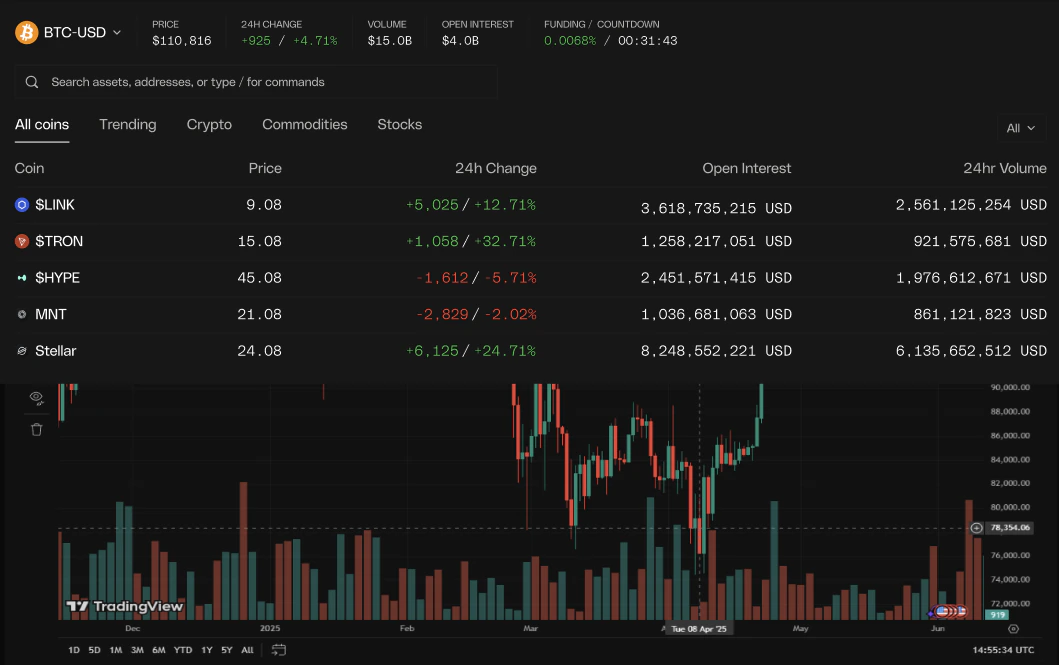
110+ perpetual futures across crypto, US equities, commodities, and major indices — all sourced from Hyperliquid. New markets are added regularly.- Crypto
- Equities
- Commodities
- Indices
Major and long-tail crypto perpetuals — BTC, ETH, SOL, HYPE, and many more.
See the full list in Markets.
Account asset class determines which symbols you can trade on a given
account. Crypto accounts trade crypto; TradFi accounts trade equity /
commodity / index perpetuals; All-class accounts trade everything. Pick the
class when you start an evaluation.
Position Size Limits
Each symbol has a max notional position size — the cap onsize × price for any single position. Caps scale with liquidity:
| Tier | Examples | Max notional |
|---|---|---|
| Tier 1 | BTC, ETH, equities, commodities, indices | up to $1,000,000 |
| Tier 2 | HYPE, SOL, ZEC, BNB | up to $200,000 |
| Tier 3 | Most other crypto | $100,000 |
| Tier 4 | Selected long-tail crypto | $50,000 |
Modify, Cancel, Close
| Action | Behavior |
|---|---|
| Modify | Change size, price, trigger, or attached TP/SL on any open order. Validation runs before the existing order is cancelled, so a bad input never leaves you uncovered |
| Cancel | Idempotent — cancelling an already-cancelled order succeeds silently; cancelling a filled order returns a clear error |
| Cancel All | Cancel every open order on the account, optionally filtered by symbol or side |
| Close All Positions | Flatten the entire account at mark prices in a single action |
Breach Price
Open positions display a breach price on the chart and in the positions tab — the price level at which your account equity would touch the daily drawdown or max drawdown limit and trigger a breach.Fees
| Fee Type | Rate | Applies To |
|---|---|---|
| Taker | 0.03% | Market orders, stop / TP / SL orders, marketable limit orders |
| Maker | 0.00% | Resting limit orders that fill at your price |
Fee =
quantity × fill price × fee rate. Funding is separate from trading
fees and applies hourly to open positions only.PnL Share Cards
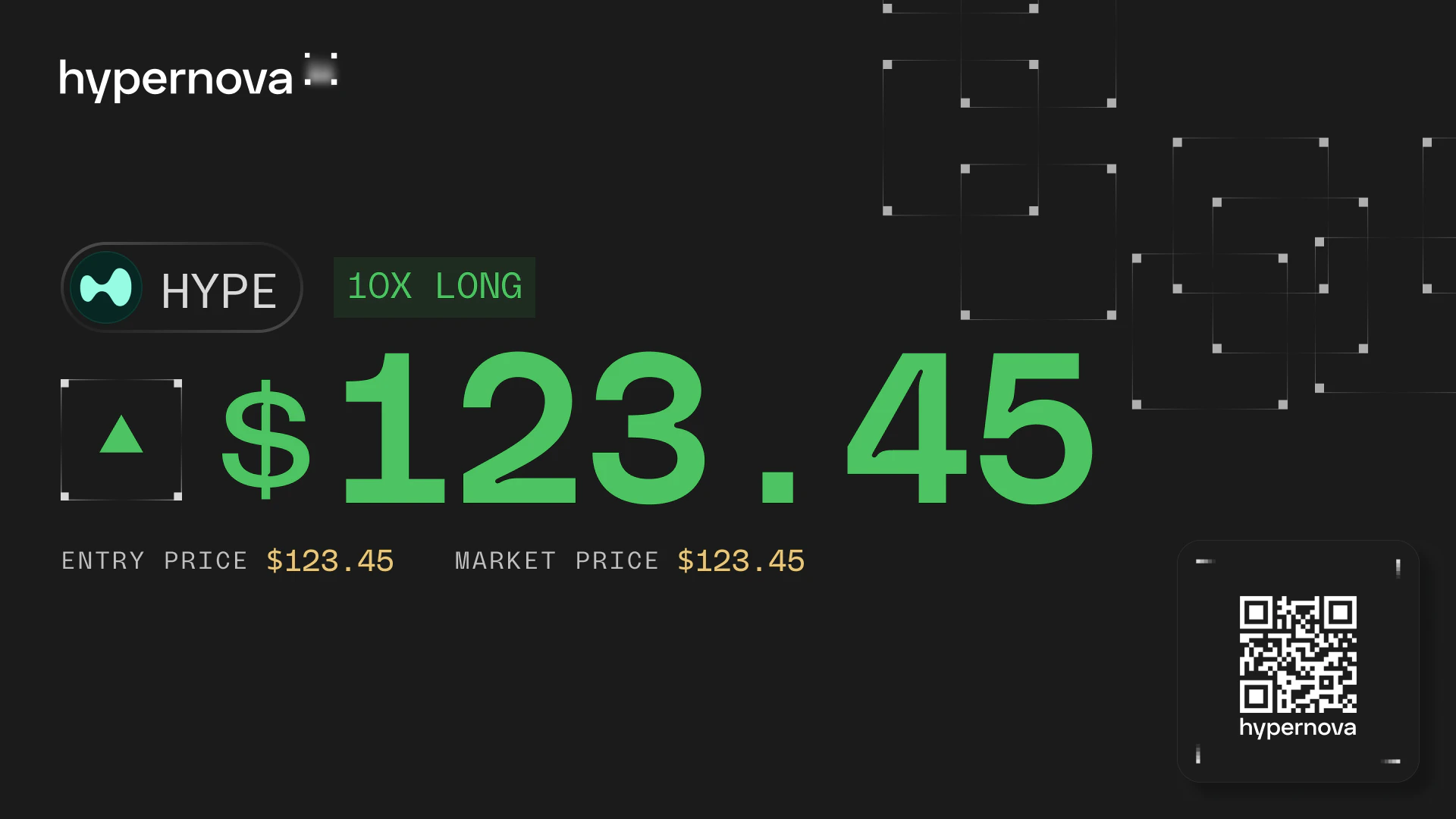
Generate a visual card of any closed trade or evaluation result — your stats, payout details, and a verifiable on-chain QR code, ready to share.